
When your employer invites you to BEN360, you’ll receive a Welcome Email with a link to get started. Follow these steps to register your account:
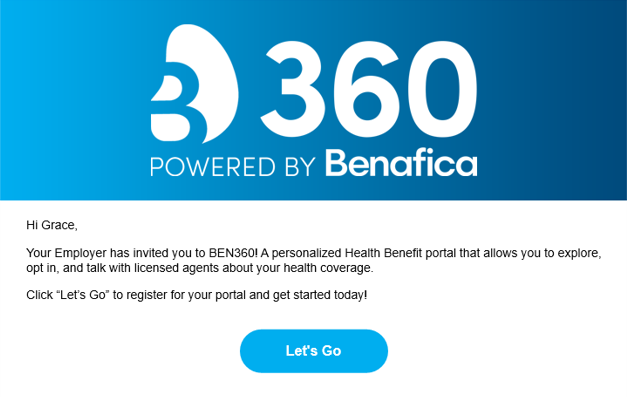
1. Open your Welcome Email
Look for an email from Benafica/BEN360 titled “Welcome to BEN360”.
Inside, click the “Let’s Go” button to begin your registration.
2. Set Your Password
You’ll be taken to a secure registration page.
Create a new password that meets the listed security requirements, then confirm it.
3. Verify Your Email (Two-Factor Authentication)
After setting your password, BEN360 will send you a 6-digit verification code.
Check your email inbox for this message.
Enter the 6-digit code into the verification screen to confirm your email address and secure your account.
Once your email is verified, your BEN360 account will be fully registered, and you can log in to complete your onboarding and start using your benefits.
If you didn’t receive your welcome email or verification code, check your spam folder or contact Benafica Support for help.