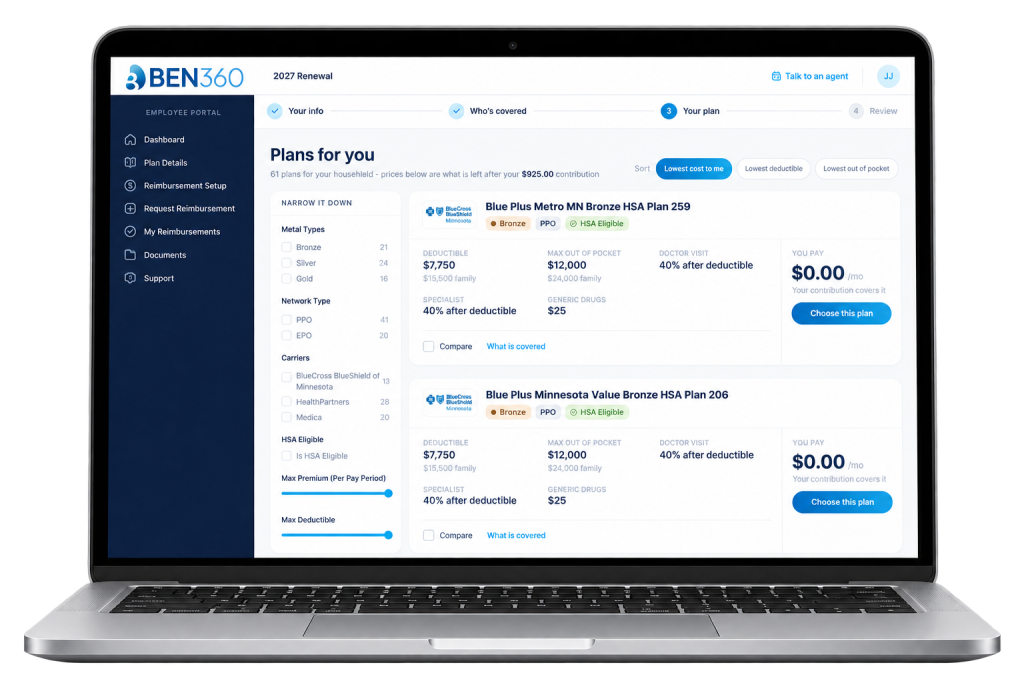
Guides, how-tos, and answers for employees and employers using BEN360, Benafica’s benefits platform.
Choose your plan, understand your allowance, and get reimbursed.
Set up your admins, manage employees, and track enrollment.
Create your BEN360 account
Accept your invitation, set your password, and log in to BEN360 for the first time.
Read guide ➜
Understanding your ICHRA dollars
How your employer’s monthly allowance works and what it can pay for.
Choosing a health plan step-by-step
Compare plans, check your doctors and prescriptions, and enroll with confidence.
Health plan terms to know
Deductibles, copays, out-of-pocket maximums, and networks in plain language.
All employee guides ➜
Login and access your employer dashboard
Set up your employer account and invite the admins who will manage your plan.
Preparing for open enrollment
Your checklist, the 90-day employee notice, and how to invite your team.
Adding and onboarding new employees
Add new hires, assign their class, and send their enrollment invitation.
Tracking enrollment status
See who has enrolled, who’s in progress, and who needs a reminder.
Real people are ready to help, by phone, email, or a scheduled call.
Talk to an agent
Schedule time with a licensed counselor from your BEN360 dashboard.
Email support
support@ben-360.com
Call us
651-358-2987 · Mon–Fri, 9 AM–5 PM CT