
Key contacts are the main points of communication for your organization. You can easily view, edit, or add them from the View Employer Details tab in BEN360.
Please note: Adding people as key contact is for informational purposes only. If you want someone to have administrative access to your organization, add them as an admin.
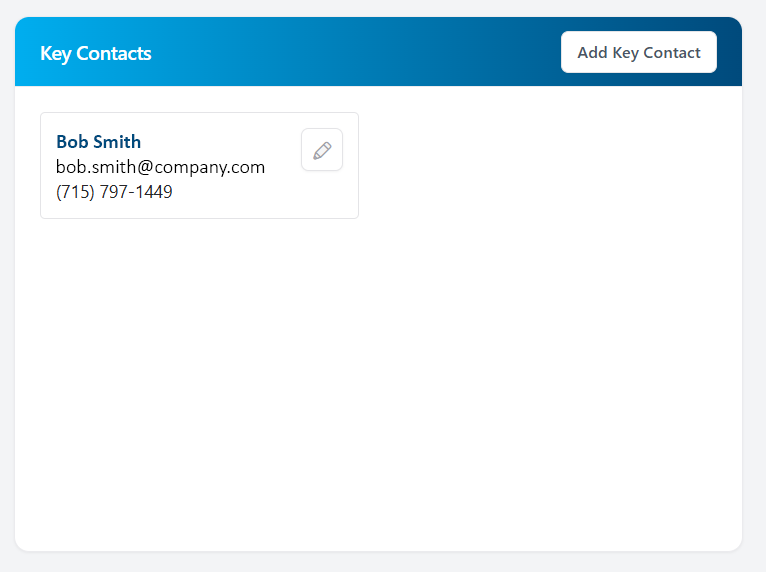
From your View Employer Details tab, you can see existing key contacts and add any additional contacts.
To edit an existing key contact:
- Click the ✏️ pencil icon next to their name.
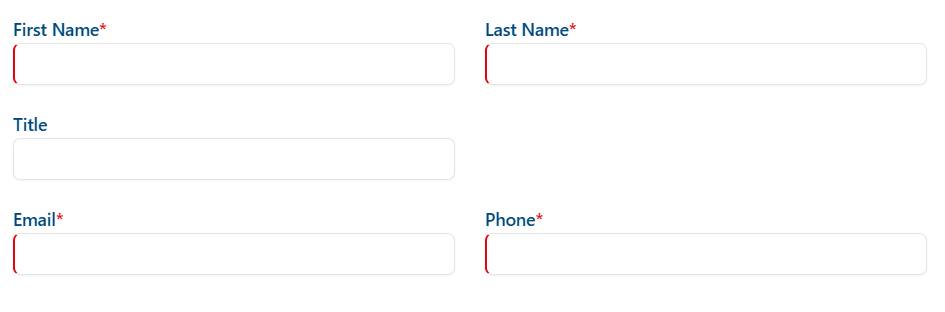
- Update their first name, last name, title, email, or phone number.
- Click “Save Changes.”
To add a new key contact:
- Click “Add Key Contact.”
- Enter the contact’s first name, last name, title, email, and phone number.
- Click “Save Changes” when finished.